Exit Checklist
When leaving the Hall please ensure:
- All light switches are OFF at the kitchen switch panel A
- Check 3 heater switches at kitchen panel B, C, D are OFF
- If you boosted heating please ensure thermostat is turned down below 10 deg.
- If used, turn the ceiling fans to OFF
- Please bag up refuse and take with you.
- If used – check the secondary door is locked and the key is in the keyhole.
- When exiting the main entrance check the main door is locked, and return the key.
Hall Heating
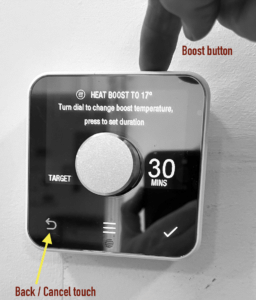
Heating is ONLY controlled via the Thermostat fixed on the wall near the secondary exit. Do not touch any other units, and do not manually switch the radiators in the hall.
If you require to increase the hall temperature the electric heaters can be turned on by using the wall Thermostat:
- Turn the knob to display the current temperature.
- Press the BOOST button. (A physical button on top right of the Thermostat).
- Press it once to trigger 30 minutes of heat.
- You can press it again to increase it to a longer period or set to off.
- Once you have selected the duration touch the tick to confirm.
- You can cancel by pressing the back button.
If you want to turn off the heating then use the thermostat and rotate the dial to a low target temperature, displayed on the left of the dial.
If you require help please contact the Hall Volunteers who can operate the heating remotely.
Lighting
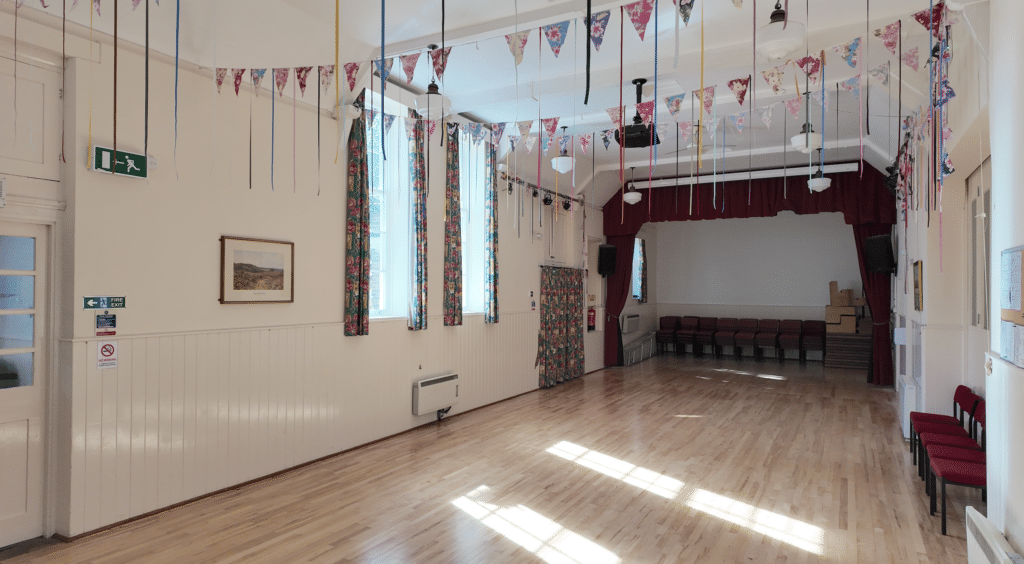
The 8 Hall pendant lights have 4 switches are in the Kitchen.
The 4 pendant lights above the stage have 2 switches on the wall adjacent the stage store door.
The two lighting bars mounted at ceiling height on either side of the hall have mains sockets to provide power to lights. These sockets are switched by a switch on each wall near to the stage curtain and in the niche.
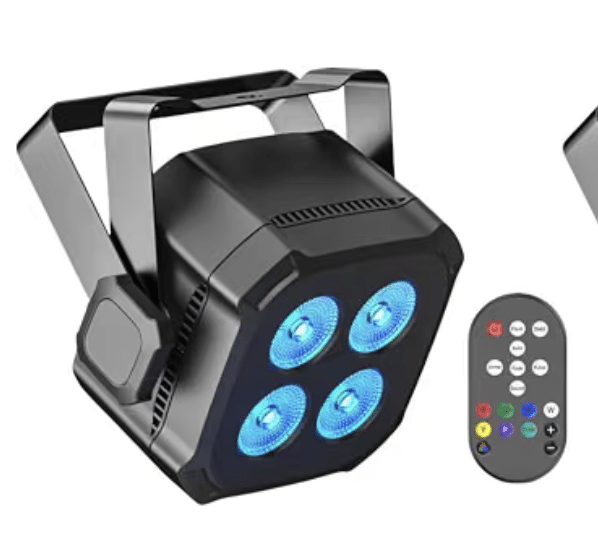
Once powered the square LED lights can be controlled by small remote controls. The bright white default is achieved by pressing the bottom left button. You can select colours, cycling effects or sound-to light modes. Once powered off at the wall these LED lights will resume in their last used state if switched back on again.
Additional lamps are switched separately using the white remote (kept in the niche):
- North lighting bar – the spotlamp can be switched on separately
- North lighting bar – The large panel light can be switched on separately
- South lighting bar – The large panel light can be switched on separately
- South lighting bar – The disco ball light can be switched on separately – use mini remote to adjust colours and speed
Remember to switch the lighting bars off at the wall.
Induction Loop Facility
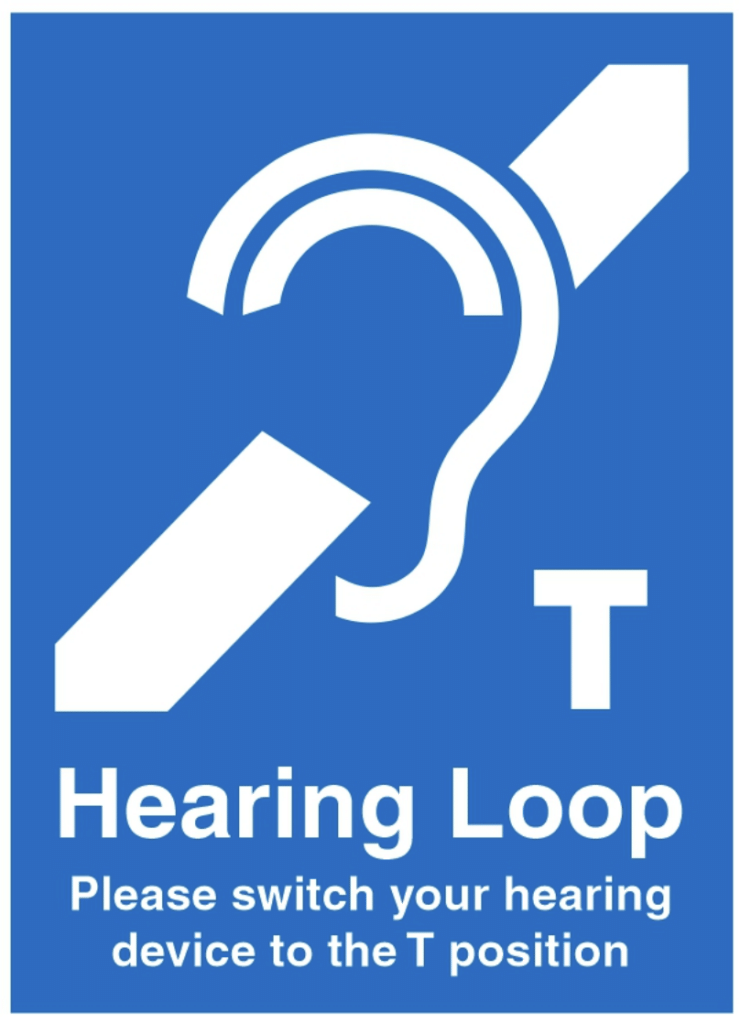
The hearing induction loop system can give clear audio direct to suitably enabled hearing Aids. It can be used in 2 scenarios :
A: plugged in to the cinema audio system or Quiz / Meeting microphone mixer to give direct audio to hearing aid users ( who switch to T mode and can adjust volume)
B: using a new wireless lapel microphone worn by a guest /presenter. This does not require a PA speaker. Two wireless lapel microphones are provided.
How to switch on the Induction Loop.
The loop system is in the AV Room and requires to be switched on.
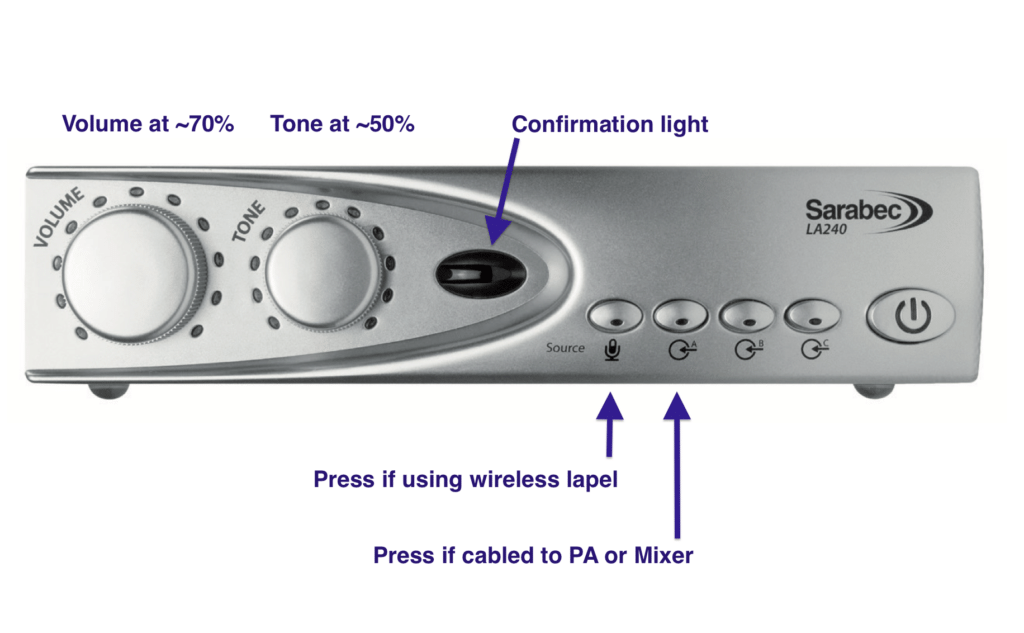
The push buttons on the front select which of the inputs is to be used:
2) the output of the PA mixer should be wired to the Induction loop using the supplied cable (twin phono or stereo minijack).
1) If preferred, one or two of the wireless lapel microphones can be worn and the single receiver unit in the AV room connected to the curly jack cable – and the first button on the Induction loop unit is pressed.
There is a socket on the back for headphones to check the unit is working.
Note the loop works with a thin cable aerial installed around the edge of the hall ceiling. The received sound is best when the audience sit in the main hall. The system is less effective on stage or on the back wall.
Link to instruction manual to loop system